
DSC
Neo 2016, Neo 2032, Neo 2064,
Neo 2128
Changing and Adding User Codes:
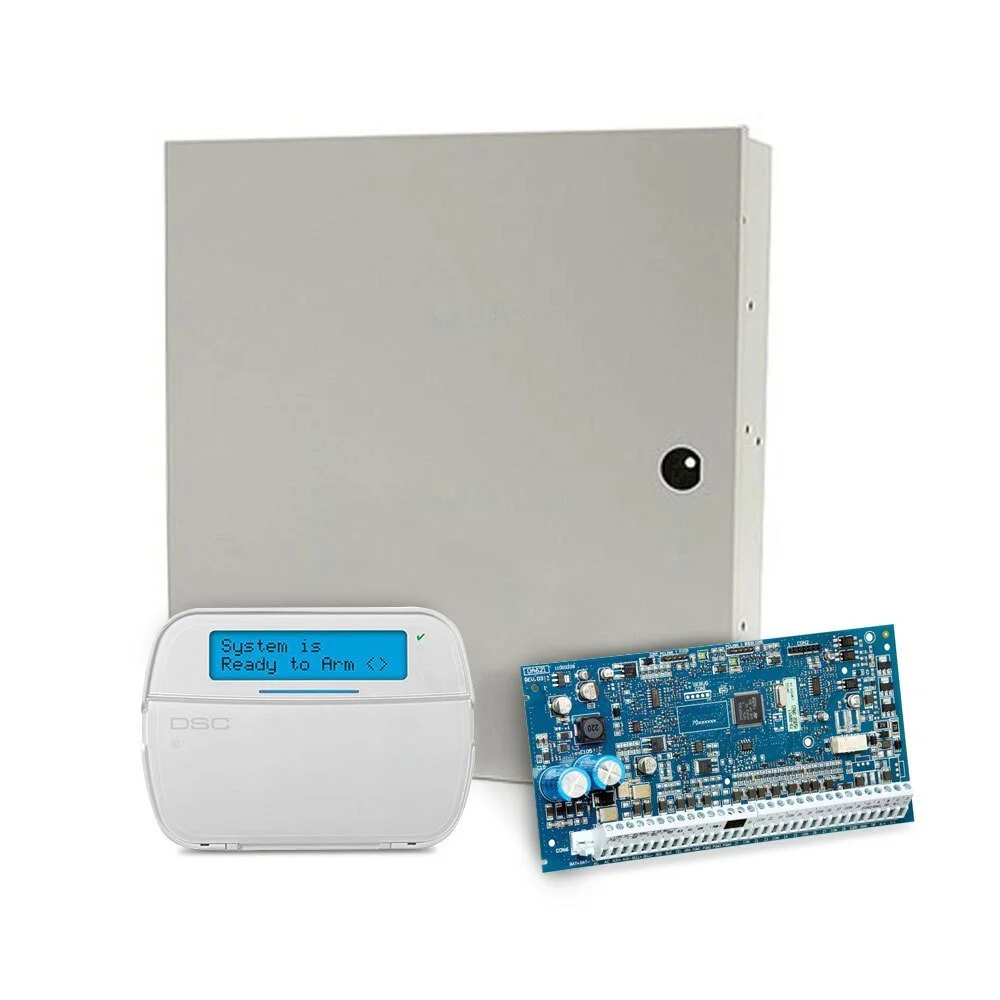
Neo alarm with HS2LCD, full English keypad
** System must be disarmed to change user codes **
Add User Codes
Step 1 – Press * 5 and the Master Code (main user code).
Step 2 – The red lock will be solid
Step 3 – Enter the 2 digit “user number” (example: 01 for user #1 if changing Master Code). Alternatively you can also select the user slot with the [<] and [>] keys, then press [*].
Step 4 – The keypad will display ‘Press [*] for Access Code’, then press [*].
Step 5 – If no code is programmed in the slot, the display will read: ‘Enter New Code AAAA’. Next enter your new 4 or 6 digit user code. If a code is programmed you may enter a new code or press ‘#’ to exit.
Step 6 – Press ‘#’ to exit the current user code menu.
Step 7 – You may now press ‘#’ to exit the user code menu or began again at Step 3 if adding/changing another user code.
Delete User Codes
Step 1 – Press * 5 and the Master Code (main user code).
Step 2 – The red lock will be solid
Step 3 – Enter the 2 digit “user number” (example: 01 for user #1 if changing Master Code). Alternatively you can also select the user slot with the [<] and [>] keys, then press [*].
Step 4 – The keypad will display ‘Press [*] for Access Code’, then press [*].
Step 5 – Press ‘*’ to delete current user code.
Step 6 – Press ‘#’ to exit the current user code menu.
Step 7 – You may now press ‘#’ to exit the user code menu or began again at Step 3 if deleting another user code.
** Do NOT delete User 01(Master Code) **
Manufacturer DSC video on adding/deleting user codes: https://www.youtube.com/watch?v=sb52GgTF9DY